
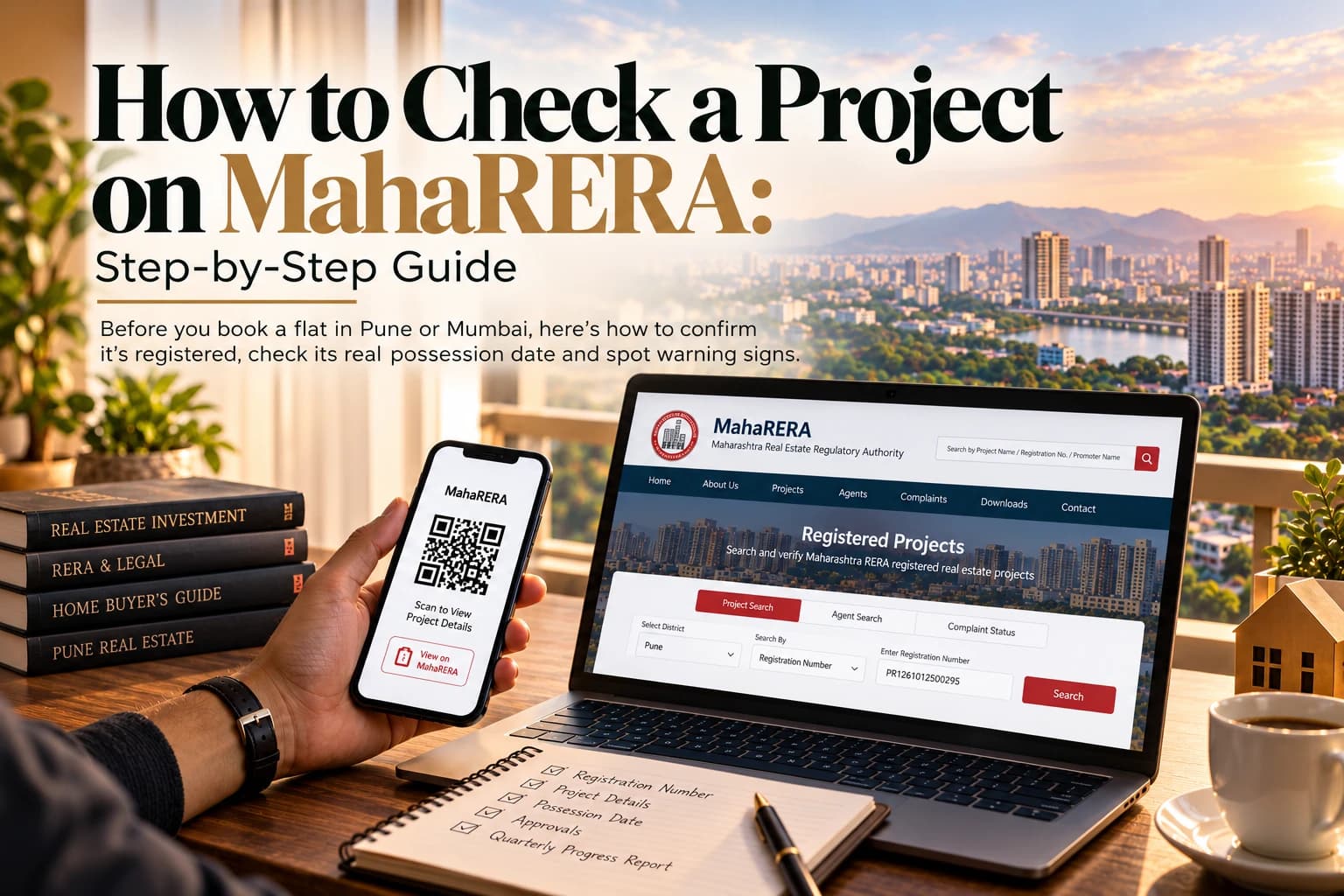
How to Check a Project on MahaRERA: A Buyer's Guide with Real Examples
A brochure tells you what a developer wants you to know. The MahaRERA website tells you what the developer has formally committed to: the registered completion date, the approved plans, how many homes have been sold and how construction is progressing. Checking it takes about five minutes, and it's one of the most useful things you can do before paying a booking amount for a flat in Pune, Mumbai or anywhere else in Maharashtra.
This guide explains how to check a project on MahaRERA, what to look for on the project page, and the warning signs to watch out for. To make it practical, we'll walk through two real Pune projects listed on Property Bouquet: Godrej Ivara in Kharadi and Birla Evam in Manjari.
Buying in Gurgaon instead? See our guide on how to check RERA registration on the Haryana RERA website.
What Is MahaRERA?
MahaRERA is the Maharashtra Real Estate Regulatory Authority, set up under the Real Estate (Regulation and Development) Act, 2016. It's the regulator for RERA Maharashtra: almost every new residential project in the state must register with it before it can be advertised or sold.
Once registered, a developer has to disclose key project details publicly, keep 70% of buyer payments in a dedicated project account, and update progress regularly. If you're new to RERA, our explainer on what RERA is and how it protects buyers covers the basics.
Understanding the MahaRERA Registration Number
Every registered project gets a unique MahaRERA registration number. You'll see two main formats:
- Older registrations usually begin with P5, followed by digits that include a district code. For example, many Pune projects start with P521 and many Mumbai projects with P518.
- Newer registrations, including both projects in this guide, begin with PR. Godrej Ivara's number is PR1260002502426, and Birla Evam's is PR1261012500295.
Whichever format a project uses, the number must appear on every advertisement and brochure, along with the project's MahaRERA QR code.
How to Check a Project on MahaRERA: Step by Step
There are two quick ways to do a MahaRERA project search: searching the website, or scanning the QR code on an advertisement.
Method 1: Search on the MahaRERA Website
- Go to the official site. Open maharera.maharashtra.gov.in. Avoid lookalike sites, and always check the address in your browser.
- Open the project search. Find Registered Projects, usually under the section for homebuyers or projects. You don't need to log in to search.
- Enter what you know. Searching by registration number is the most reliable way to check MahaRERA registration. You can also search by project name, promoter name, district or pin code.
- Open the project record. Click through to the project's page to see its MahaRERA project details.
- Download the documents. Save the registration certificate and key documents for your records.
The website's layout changes from time to time, so the exact menu names may differ slightly. The Registered Projects search is always the place to start.
Method 2: Scan the MahaRERA QR Code
Since August 2023, every MahaRERA-registered project must display a MahaRERA QR code on its advertisements, brochures, hoardings and digital promotions, next to the registration number. Scanning it should open the project's official MahaRERA record directly.
If the code doesn't scan, or opens a page that isn't on the MahaRERA website, treat that as a warning sign and search manually instead.
What to Check on the Project Page
Once you've found the project, look closely at these details:
- Promoter name: the legal company registered as the developer. It may differ from the brand name you see in ads, which is normal, but make sure it matches your agreement.
- Project name and phase: large projects are often registered phase by phase. Make sure the tower you're buying is covered by the registration you're looking at.
- Registered completion date: the date the developer has committed to. Look out for any extension, which shows the original timeline has already been pushed back.
- Approvals: building plans, commencement certificate and other approvals uploaded by the developer.
- Carpet area and unit inventory: the registered carpet area of each unit type, and how many homes are booked or still available.
- Progress reports: each MahaRERA quarterly progress report (QPR) shows construction progress, units sold and money received and spent. Check how recent the latest one is.
- Financial certificates: a CA certificate shows how buyer money has been used, including what's held in the project's escrow account.
- Complaints and litigation: any disputes or cases recorded against the project.
Together, these give you a far more reliable picture than a brochure, and they're the basis of any MahaRERA possession date check.
Worked Example 1: Godrej Ivara, Kharadi
Godrej Ivara is a 12.8-acre project by Godrej Properties in Kharadi, offering 2, 3 and 4 BHK homes.
Step 1: Search by number, not just name. Enter PR1260002502426 in the Registered Projects search. Searching by number matters: at least one property portal lists this same registration under a different project name, so a name search alone could mislead you.
Step 2: Note the registered completion date. The registered possession date for Godrej Ivara is August 2032. Some portals mention an earlier developer target of December 2029. The registered date is the one the developer is legally committed to, so plan around it and treat any earlier date as a bonus.
Step 3: Check the promoter name. Confirm which legal company is registered as the promoter, and make sure the same name appears on your allotment letter and agreement.
Step 4: Match the carpet areas. Marketing material lists carpet areas of about 725 to 1,650 sq ft. Compare the exact unit you're offered against the carpet area registered for that unit type.
Step 5: Confirm your tower. Portals describe the project as 11 towers. Make sure your tower falls within the registered project.
Worked Example 2: Birla Evam, Manjari
Birla Evam is a 16.5-acre project by Birla Estates in Manjari Budruk, offering 2 and 3 BHK homes.
Step 1: Search by number. Enter PR1261012500295. MahaRERA record summaries show the project registered as Birla Evam Phase 1, which tells you it's being developed in phases.
Step 2: Check the promoter name. The registered promoter is listed as Vypak Properties Private Limited, not Birla Estates. This is common: large developers often build through project companies. It's not a red flag, but your agreement should name the same registered promoter.
Step 3: Look for extensions. MahaRERA record summaries show the proposed possession date extended to 30 June 2031. An extension isn't unusual, but it tells you the original timeline has already moved. Ask why, and factor it into your plans.
Step 4: Reconcile the numbers. The developer's marketing describes four high-rise towers, while MahaRERA record summaries list 8 buildings and 928 units in Phase 1. Differences like this often have a simple explanation, such as towers with separate wings, but ask the developer to explain them before you book.
Step 5: Separate facts from marketing. Claims such as open-space percentages or green-building ratings are marketing points. Check the approved plans uploaded on MahaRERA for what's actually sanctioned.
The details above reflect MahaRERA records and portal summaries at the time of writing. Always check the live MahaRERA record before booking.
Red Flags to Watch For
- No registration number or QR code on ads. MahaRERA has penalised hundreds of projects for advertising without them, so a missing number or code is worth questioning.
- The project isn't on MahaRERA. Don't pay anything for an unregistered project.
- Lapsed or revoked registration. MahaRERA publishes lists of lapsed projects and projects with a revoked registration. Check whether yours appears on either.
- Stale progress reports. If the latest QPR is many months old, ask why. In 2026, MahaRERA flagged 8,212 projects for missing a quarterly progress report deadline and warned that registrations could be cancelled or suspended.
- Repeated extensions. One extension can happen. Several suggest a pattern of delay.
- Mismatched names. The promoter on MahaRERA should match the company on your agreement.
- Large advance payments. Under RERA, a developer can't take more than 10% of the cost as an advance before signing a registered agreement for sale.
How to Verify a Real Estate Agent on MahaRERA
Agents and brokers in Maharashtra must also register with MahaRERA. Knowing how to verify a real estate agent on MahaRERA is simple: search the Registered Agents section by the agent's name or registration number, and check that the registration is valid. A registered agent is accountable to MahaRERA if something goes wrong.
How to File a MahaRERA Complaint
If a developer delays possession, changes plans without consent or fails to deliver what was promised, you can file a MahaRERA complaint online. You'll need to register on the MahaRERA website, then file the complaint against the project using its registration number, with your agreement and payment records attached. MahaRERA also runs a conciliation process that can help resolve disputes faster.
Your MahaRERA Checklist Before Booking
As part of your due diligence, confirm that:
- The project appears on MahaRERA under the number shown in its ads
- Your tower and phase are covered by that registration
- The promoter name matches your allotment letter and agreement
- You've noted the registered completion date and any extensions
- The latest quarterly progress report is recent
- Your unit's carpet area matches the registered carpet area
- The project doesn't appear on any lapsed or revoked list
- Your agent, if you're using one, is MahaRERA-registered
This checklist is especially useful for first-time buyers and NRI buyers, who often can't visit the site regularly.
Frequently Asked Questions
Q1. How do I check RERA registration of a project in Pune?
For how to check RERA registration of a project in Pune, go to maharera.maharashtra.gov.in, open Registered Projects, and search by the project's registration number, name or promoter name. You can also scan the MahaRERA QR code on the project's advertisement.
Q2. Do I need to log in to search MahaRERA?
No. You can search registered projects and agents without an account. You only need to register to file a complaint.
Q3. What does a registration number starting with PR mean?
It's the newer MahaRERA number format. Older registrations usually begin with P5. Both are valid, as long as the number appears on the MahaRERA website.
Q4. Which possession date should I trust?
The registered completion date on MahaRERA, including any extensions, is the date the developer is legally committed to. Earlier "target" dates in marketing aren't binding.
Q5. Why is the promoter name different from the developer brand?
Large developers often build through separate project companies. That's normal, but the promoter registered on MahaRERA should match the company named in your agreement.
Q6. What if a project isn't on MahaRERA?
Don't book. Almost all new residential projects in Maharashtra must be registered before they're advertised or sold.
Final Thoughts
Knowing how to check a project on MahaRERA is one of the simplest ways for homebuyers to protect themselves. Five minutes on the website can confirm a project's registration, its real possession date, whether timelines have already slipped, and who you're actually buying from. As the Godrej Ivara and Birla Evam examples show, the most useful insights often come from details a brochure won't highlight: the registered promoter, the phase, and any extensions.
For help comparing projects in Pune real estate, including MahaRERA checks, explore Godrej Ivara and Birla Evam on Property Bouquet, or call or WhatsApp +91 90901 06101 to speak with an advisor.